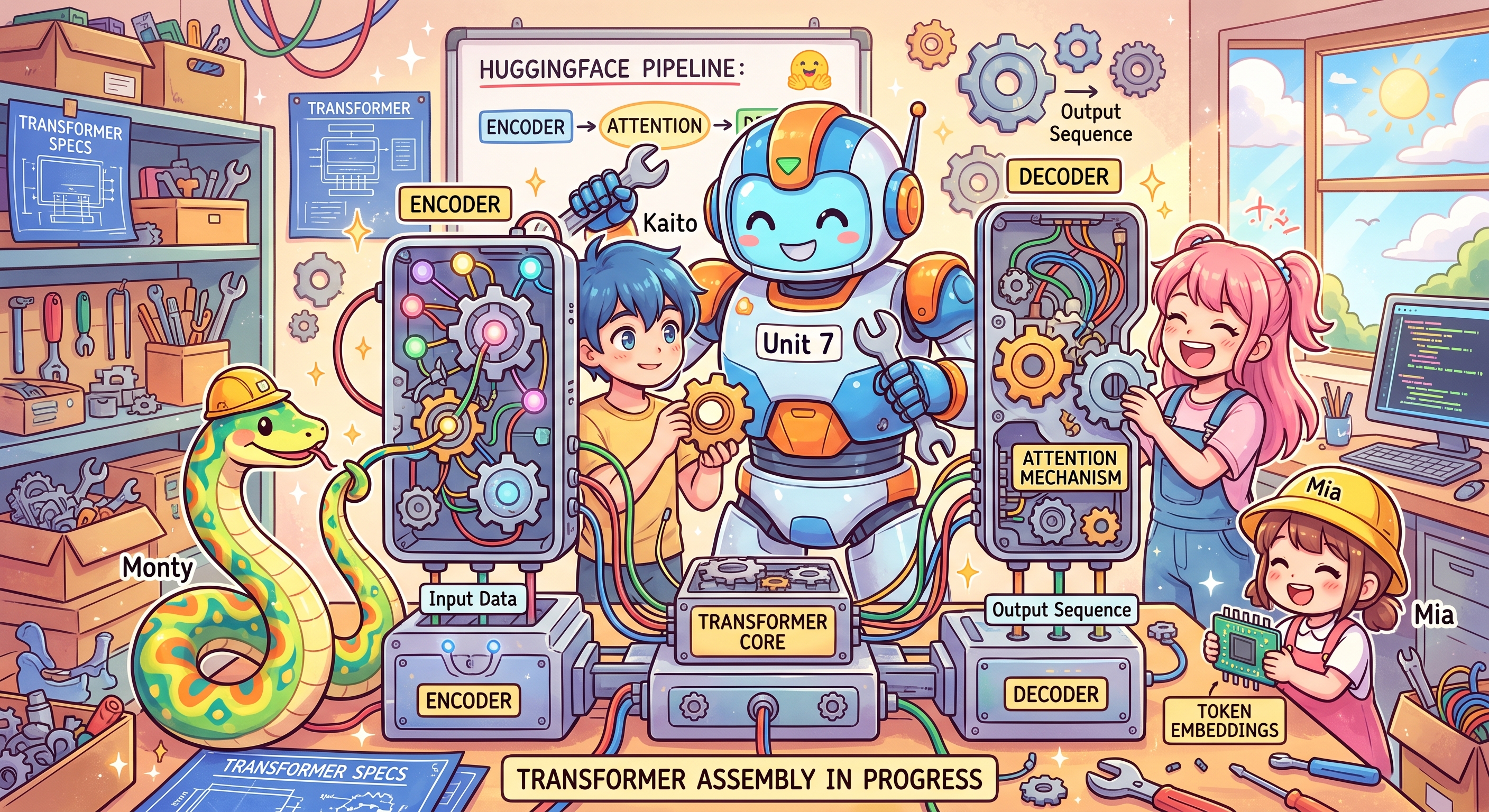
Are There Different Types Of Transformers: Yes
Transformers are the core of most Large Language Models. There are three canonical types of transformer based AI models.
- Decoder Only
- Encoder Only
- Encoder-Decoder
NOTE: Due to the intense research on LLM models, there are a multitude of variations of transformer functionality.
Decoder
Decoder-only Transformers are used primarily for generating sequences, especially text. They read a prompt and repeatedly predict the next token, producing chat responses, code, summaries, translations, document drafts, and structured outputs. Because every task can be phrased as “continue this prompt,” the same causal architecture powers modern GPT-, Llama-, Qwen-, Mistral-, and similar models; with retrieval and tools, it can also answer questions over documents. 1
- GPT
- Llama
- Gemma
- Claude
Encoder
Encoder-only Transformers, such as BERT, read an entire input at once and use bidirectional self-attention, so each token can incorporate both the words before and after it; the result is a set of contextual vector representations rather than newly generated text. They are used where understanding or comparing existing text matters: document and sentiment classification, named-entity recognition, semantic embeddings for search and RAG retrieval, reranking, and extractive question answering. 2
- BERT
- Bidirectional Encoder Representations from Transformers 3
Encoder Decoder
Encoder–decoder Transformers first use a bidirectional encoder to read and build contextual representations of the complete input, then use a causal decoder to generate a new output sequence token by token while cross-attending to those encoder representations. They are especially suited to input-to-output transformations such as machine translation, summarization, grammar correction, and generative question answering; well-known implementations include T5, which frames tasks as text-to-text prompts, BART, which is pretrained to reconstruct corrupted text, plus MarianMT and Pegasus. 4
Using HuggingFace Transformers With Python
The easiest way to start with most types of transformer is to use the transformers Python module from HuggingFace. It requires only a few steps to get useful output.
- import the transformers.pipeline module
- create a pipeline with the desired functionality
- set up input data
- execute the pipeline
HuggingFace Pipelines
The HuggingFace pipeline module (5.15.1) has a long list of pipeline 'tasks' that are specified when the pipeline is created. You can see the list in tasks. When one of these is invoked, you need a model that matches the task type. You can find recommendations in the Hugging Face help.
| Task | Returned pipeline | Example Model |
|---|---|---|
| audio-classification | AudioClassificationPipeline | superb/wav2vec2-base-superb-ks |
| automatic-speech-recognition | AutomaticSpeechRecognitionPipeline | openai/whisper-base |
| depth-estimation | DepthEstimationPipeline | depth-anything/Depth-Anything-V2-Small-hf |
| document-question-answering | DocumentQuestionAnsweringPipeline | impira/layoutlm-document-qa |
| feature-extraction | FeatureExtractionPipeline | google-bert/bert-base-uncased |
| fill-mask | FillMaskPipeline | google-bert/bert-base-uncased |
| image-classification | ImageClassificationPipeline | google/vit-base-patch16-224 |
| image-feature-extraction | ImageFeatureExtractionPipeline | google/vit-base-patch16-224 |
| image-segmentation | ImageSegmentationPipeline | facebook/detr-resnet-50-panoptic |
| image-text-to-text | ImageTextToTextPipeline | HuggingFaceTB/SmolVLM-256M-Instruct |
| keypoint-matching | KeypointMatchingPipeline | vismatch/superpoint-lightglue |
| mask-generation | MaskGenerationPipeline | facebook/sam-vit-base |
| object-detection | ObjectDetectionPipeline | facebook/detr-resnet-50 |
| table-question-answering | TableQuestionAnsweringPipeline | google/tapas-base-finetuned-wtq |
| text-classification | TextClassificationPipeline | distilbert/distilbert-base-uncased-finetuned-sst-2-english |
| text-generation | TextGenerationPipeline | Qwen/Qwen2.5-0.5B-Instruct |
| text-to-audio | TextToAudioPipeline | suno/bark-small |
| text-to-speech | TextToAudioPipeline | suno/bark-small |
| token-classification | TokenClassificationPipeline | dslim/bert-base-NER |
| ner | TokenClassificationPipeline | dslim/bert-base-NER |
| video-classification | VideoClassificationPipeline | MCG-NJU/videomae-base-finetuned-kinetics |
| zero-shot-classification | ZeroShotClassificationPipeline | facebook/bart-large-mnli |
| zero-shot-image-classification | ZeroShotImageClassificationPipeline | openai/clip-vit-base-patch32 |
| zero-shot-audio-classification | ZeroShotAudioClassificationPipeline | laion/clap-htsat-unfused |
| zero-shot-object-detection | ZeroShotObjectDetectionPipeline | google/owlvit-base-patch32 |
Decoder
An example of using a HuggingFace transformer with a decoder-only model and a 'text-generation' pipeline. The model is a decoder only Qwen variant. The input is a partial sentence and the output is generated text that would match the context of the input.
Code:
def text_generation():
    from transformers import pipeline
    from transformers.utils import logging as hf_logging

    hf_logging.set_verbosity_error()
    hf_logging.disable_progress_bar()

    generator = pipeline(
        "text-generation",
        model="Qwen/Qwen2.5-0.5B-Instruct",
        clean_up_tokenization_spaces=False,
    )
    generator.model.generation_config.max_length = None
    result = generator("Once upon a time,", max_new_tokens=20)
    print(result[0]["generated_text"])
Output:
Once upon a time, there was an old man who lived in the mountains. He had a big garden where he grew vegetables
Encoder
An example of using HuggingFace transformers with an encoder-only model and a 'token-classification' pipeline. The model is an encoder only BERT variant. The input is a sentence and the output is a list of tokens showing their type (ORG,PER,LOC) and score. Where there is a prefix "##" indicates that it actually belongs to the preceding word. In this case Mu + ##sk = Musk.
Code:
def token_classification():
    from transformers import pipeline

    tagger = pipeline(
        "token-classification",
        model="dslim/bert-base-NER",
        aggregation_strategy="simple",
    )
    result = tagger("Elon Musk founded SpaceX in Hawthorne, California.")
    print(f"{'word':<20}{'entity_group':<15}{'score':<10}")
    for e in result:
        print(f"{e['word']:<20}{e['entity_group']:<15}{e['score']:<10.3f}")
Output:
word                entity_group   score
Elon                ORG            0.651
Mu                  PER            0.912
##sk                ORG            0.459
SpaceX              ORG            0.999
Hawthorne           LOC            0.995
California          LOC            0.999
Encoder Decoder
An example of using HuggingFace transformers with an encoder-decoder model and a 'zero-shot-classification' pipeline. The model is 'facebook/bart-large-mnli'. The input is a string plus a set of candidate labels, and the output ranks those candidate labels by how well each describes the input. This could be used as part of a technical support routing application.
def zero_shot_classification():
    from transformers import pipeline

    classifier = pipeline("zero-shot-classification", model="facebook/bart-large-mnli")
    text = "I have a problem with my iPhone that needs to be resolved asap!"
    result = classifier(
        text,
        candidate_labels=["urgent", "not urgent", "phone", "tablet", "computer"],
    )
    print(f"input: {text}")
    print(f"{'label':<15}{'score':<10}")
    for label, score in zip(result["labels"], result["scores"]):
        print(f"{label:<15}{score:<10.3f}")
Output:
input: I have a problem with my iPhone that needs to be resolved asap!

label          score
urgent         0.523
phone          0.458
computer       0.014
not urgent     0.003
tablet         0.002
NOTE Most of this is my own writing. I used Perplexity for research and used Claude Code to review the text, fix spelling and typos, and code snippets.